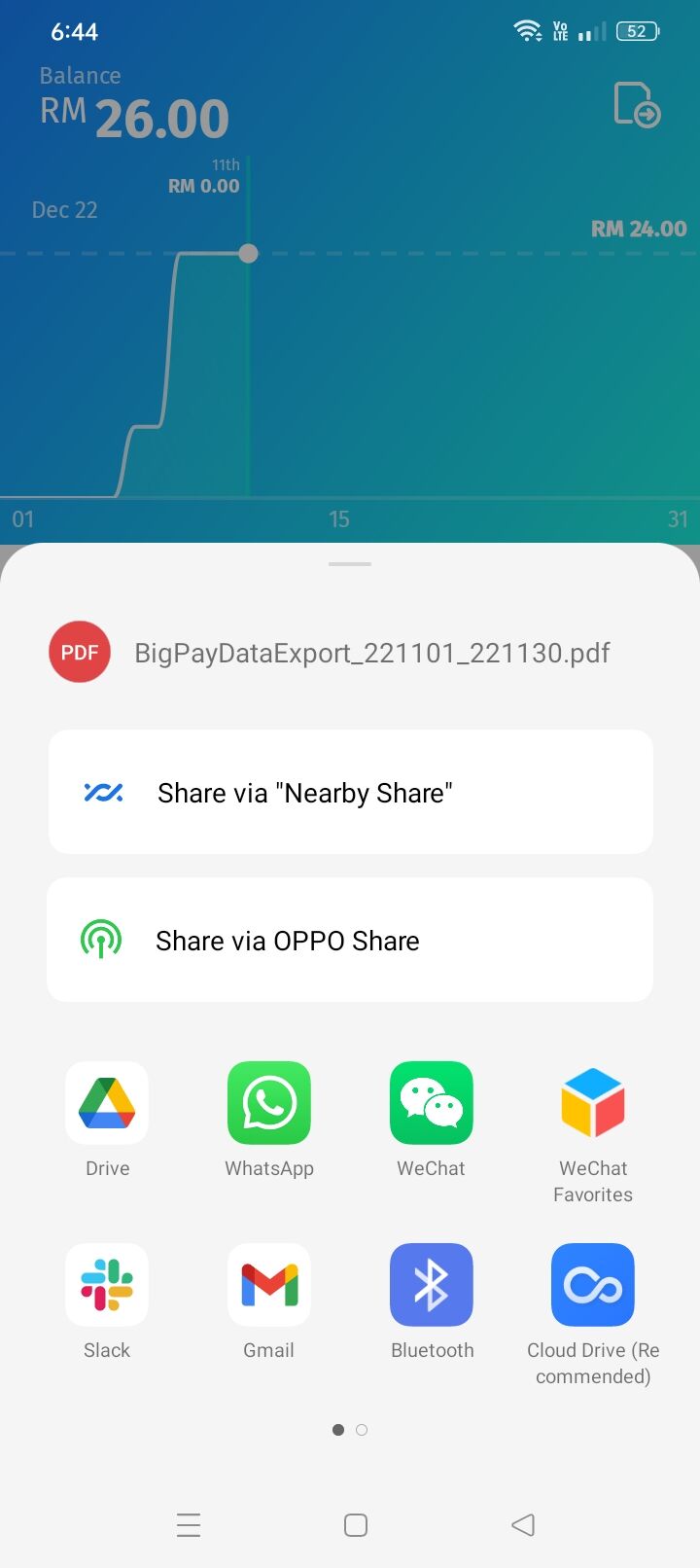
You can download Bigpay statement in the Bigpay app. The statement will be downloaded into your phone and you can easily share it via email and forward to us.
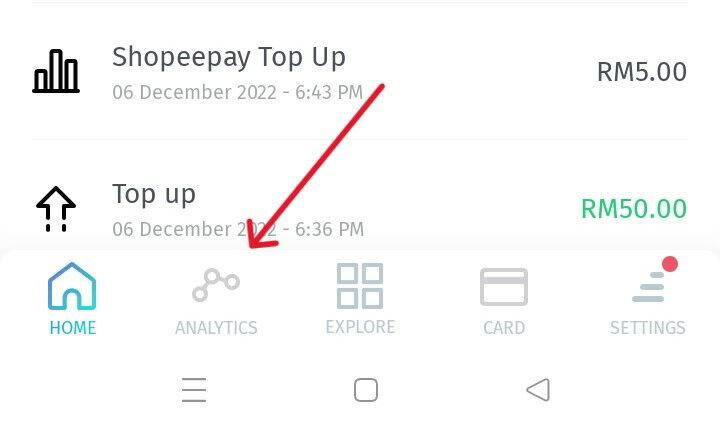
Step 1: Go to the "Analytic" tab.
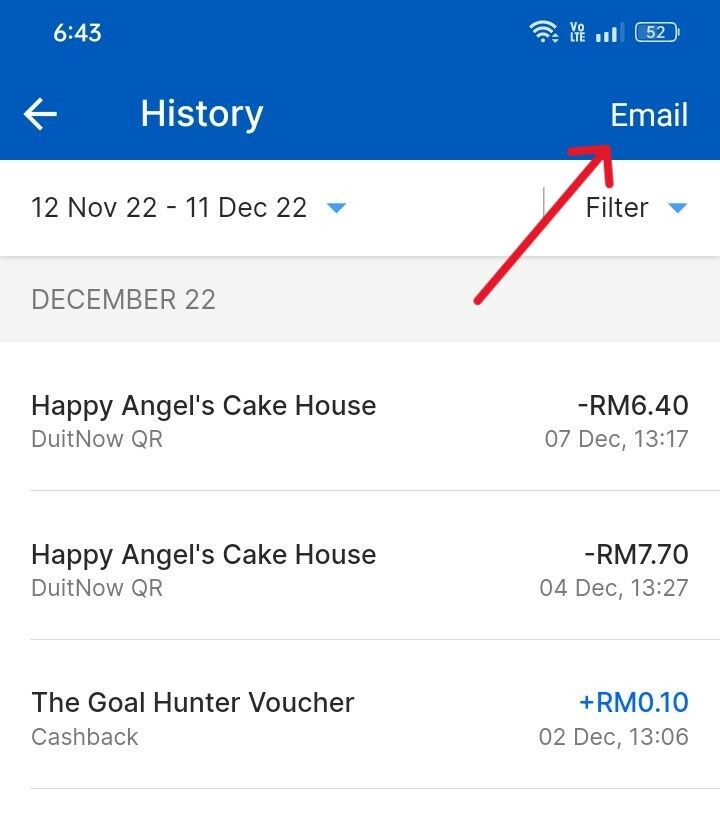
 Step 2: Click "Email" icon.
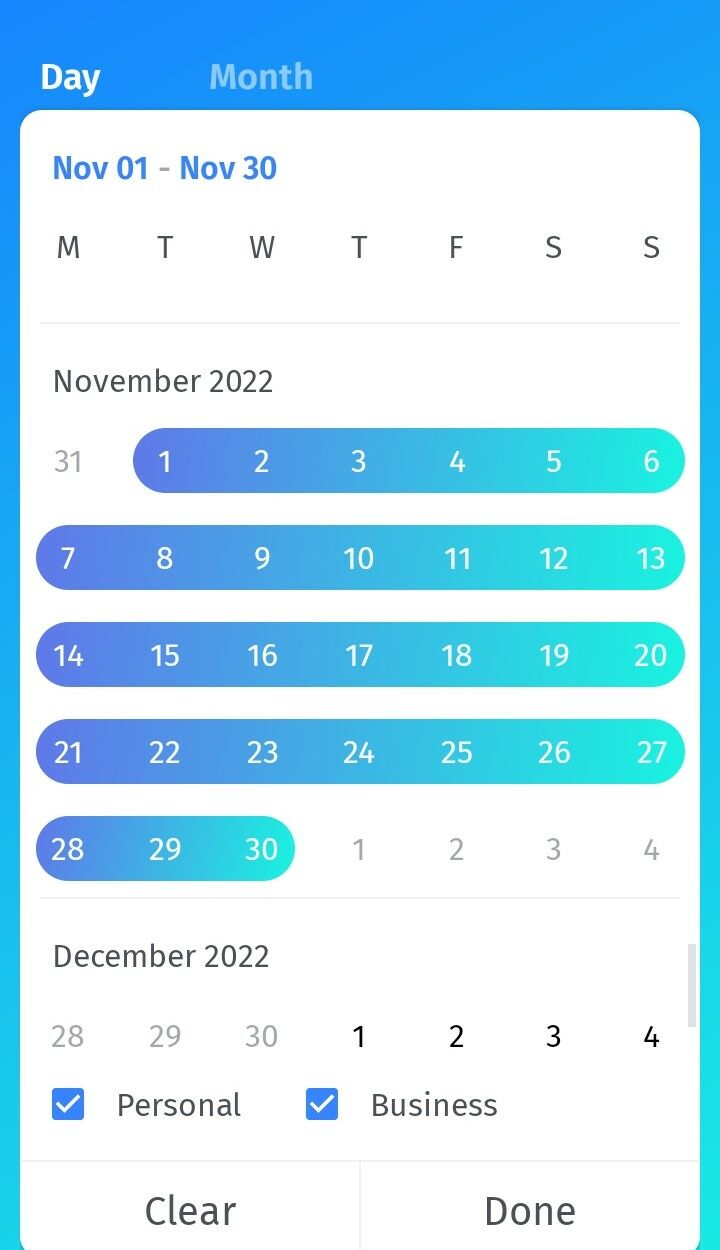
Step 3: Select the date period and click Done.
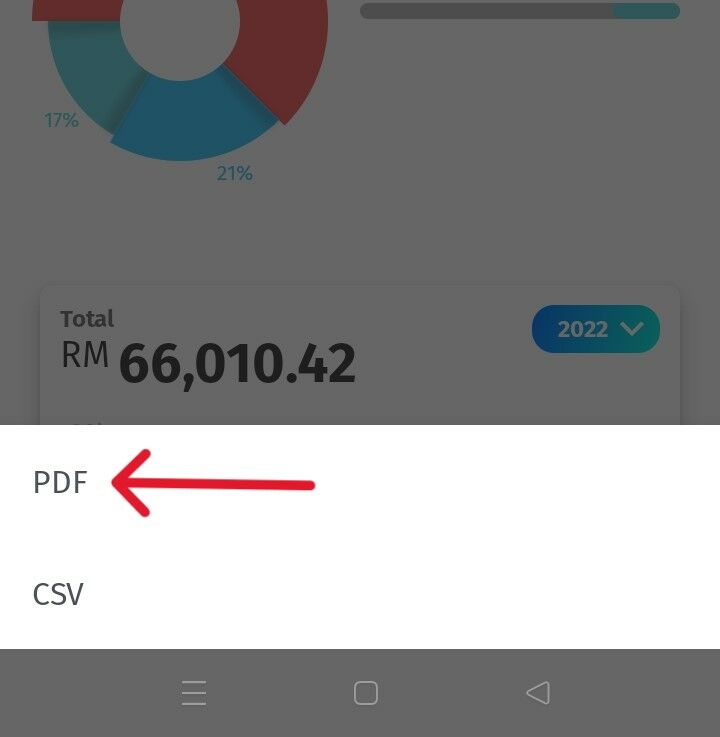
Step 4: Select "PDF"
Step 5: The PDF is downloaded into your phone now, click "Share" and look for email icon, then forward it to your Finory email.