
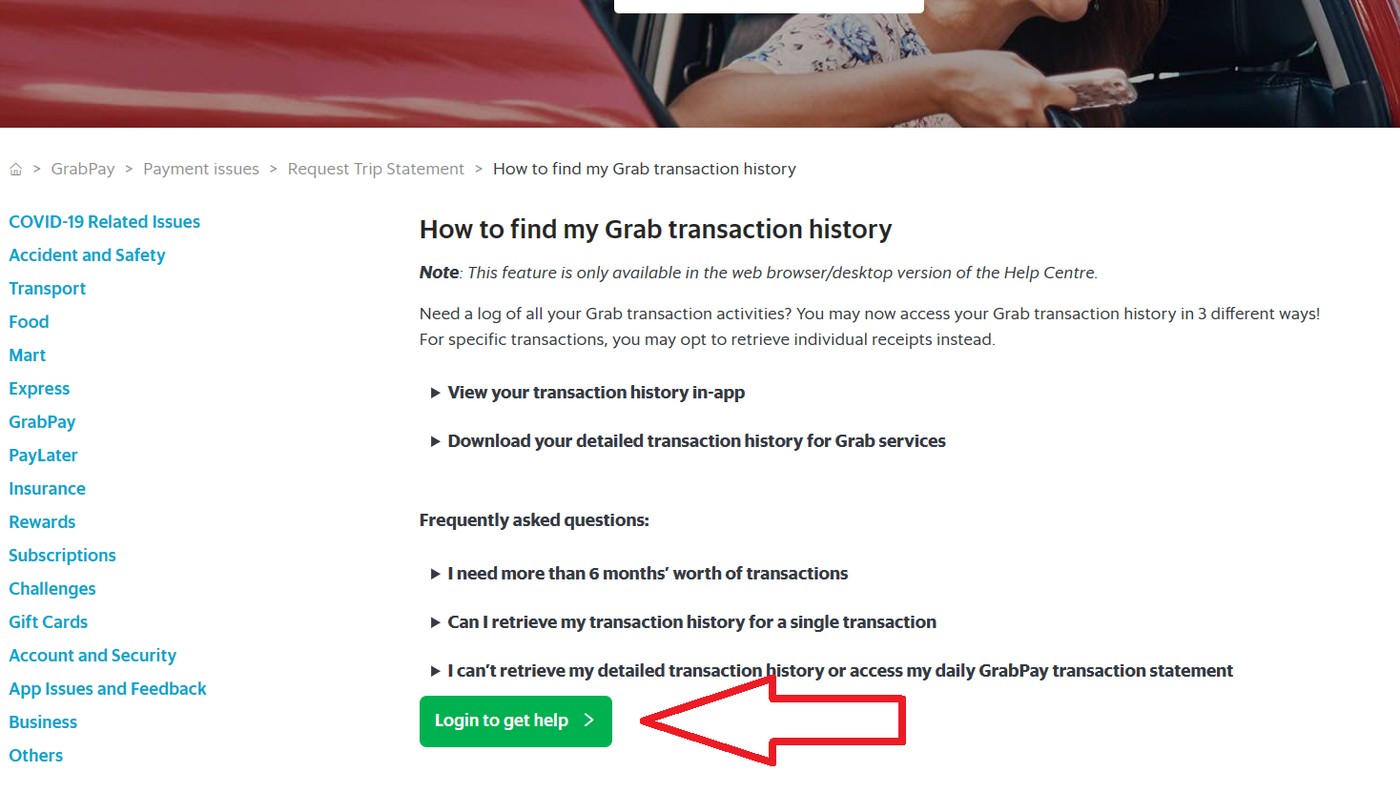
You must log in on the Web/Desktop/Laptop [Only} using the link below to get your Grab Statement.
https://help.grab.com/passenger/en-id/360038782911-How-to-find-my-Grab-transaction-history
The Grab statement didn't include Grabpay wallet transactions, like DuitNow QR and top-ups. You can see it in the app as transaction history but it is not included here.
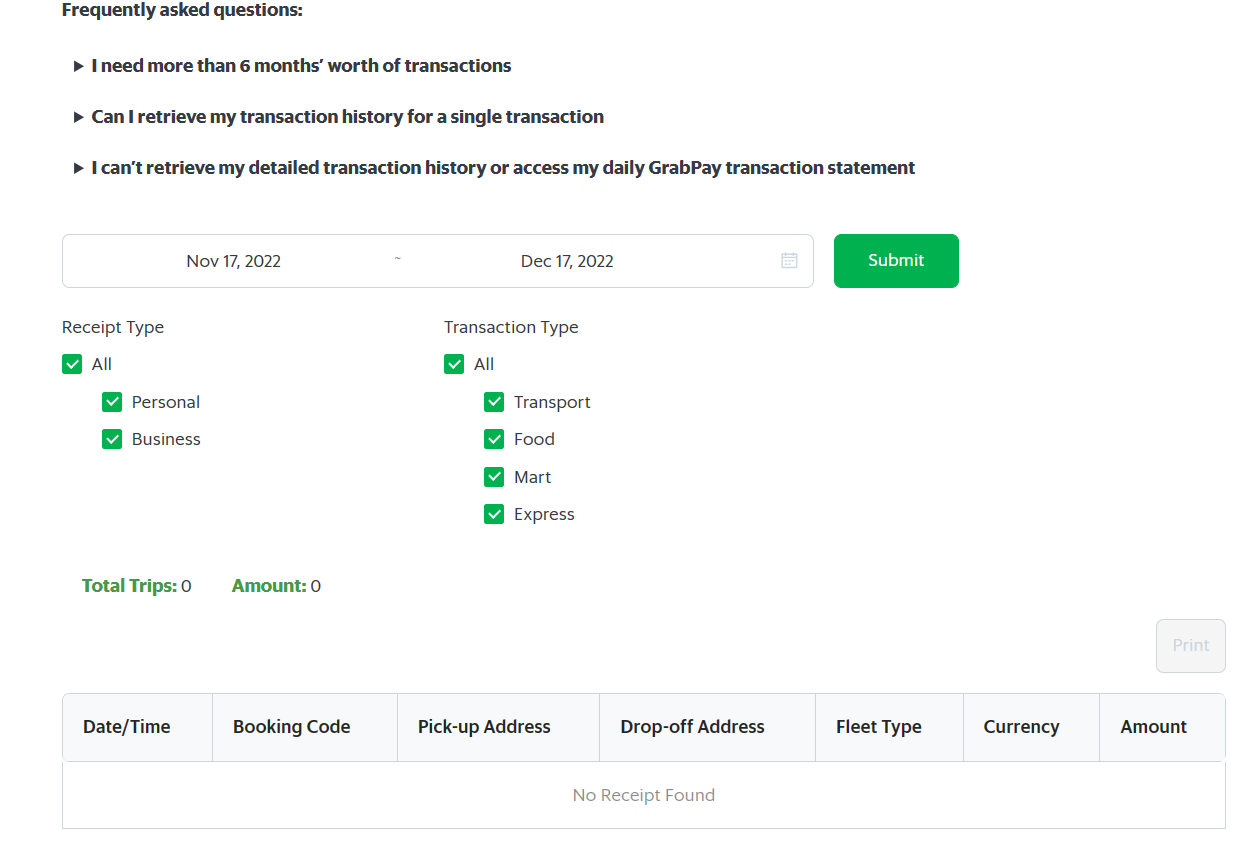
Only Transport, Food, Mart and Express transaction are included in the statement.
Step 1: Go to the link.
Step 2: After login in, you can filter the transaction date and download the statement.
Step 3: Attach and forward the statements via email.