
Touch ’n Go support download statement for up to 90 days.
- You can request the statement via the Touch ’n Go app.
- Touch ’n Go will send the statement to your email.
- From your email, click forward to Finory or just set up auto-forward to Finory.
Here are the steps to request a Touch ’n Go statement.
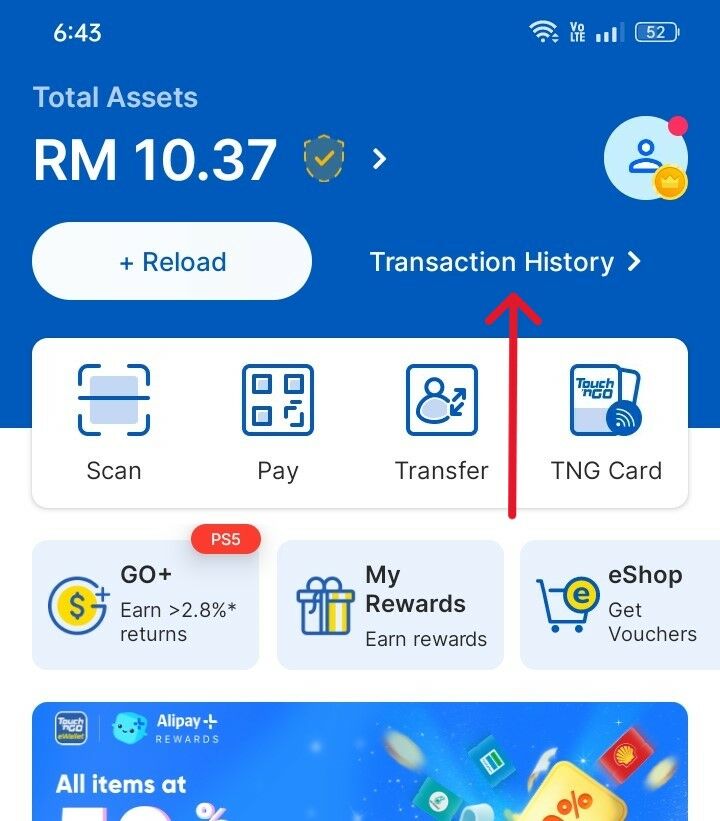
Step 1: Go to Touch ’n Go homepage and click Transaction History.
Step 2: Click the "Email" icon.
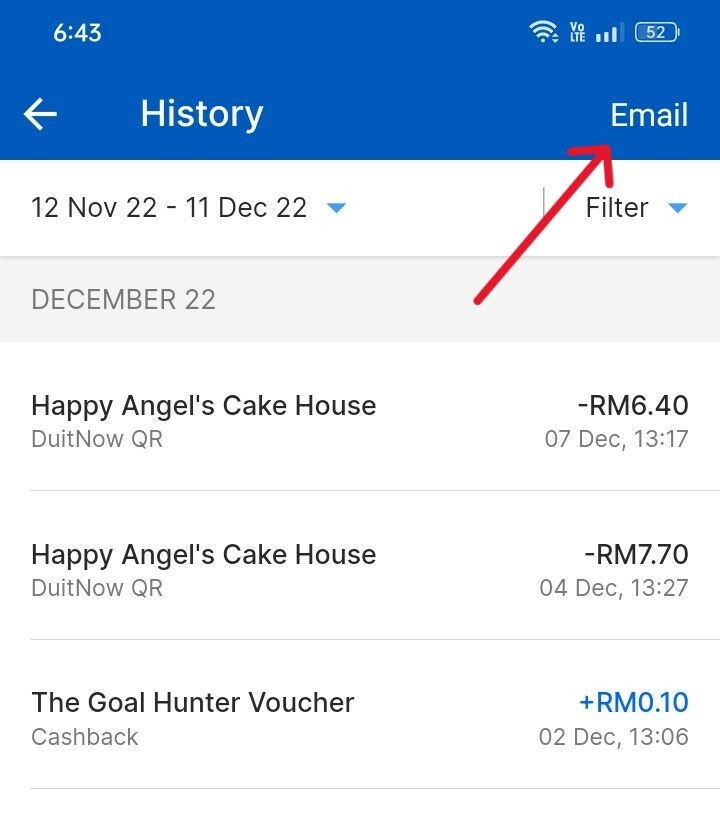
Step 3: Submit and Touch ’n Go will email the statement to you.

Step 4: Look for the TouchnGo email with your statement, and forward it to your Finory email (01xxxxxx@finory.my)