
Besides Gmail, you can also set up auto-forward in Hotmail, Live and Outlook.
1. Go to Settings - View all Outlook settings
2. Select Rules and click +Add New Rule
3. It will reach a screen like below. You need to find the email that the bank used to send the statement. For example, Public Bank will use "cardstmt@publicbank.com.my"
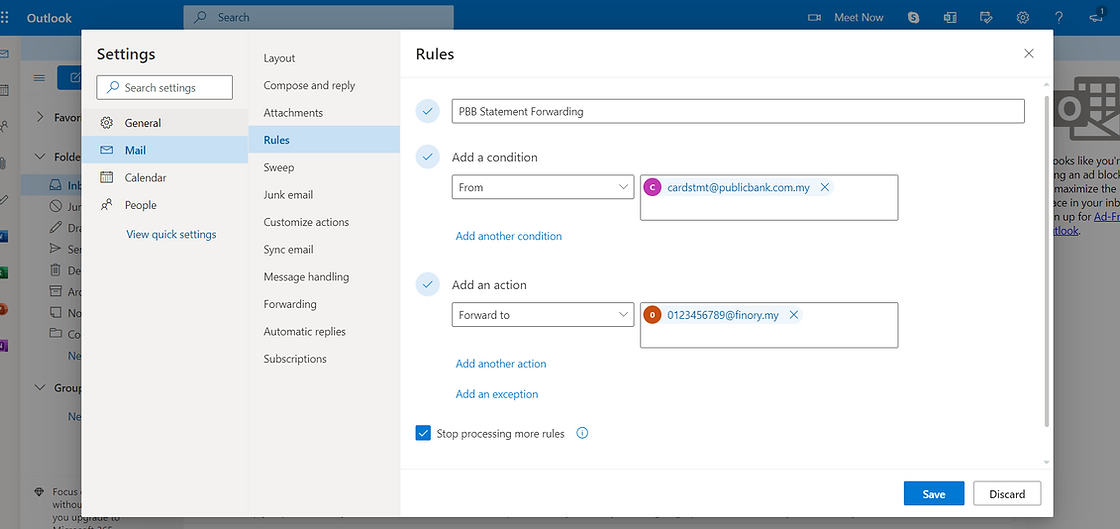
4. After that, save and close. Now wait for the bank to send you the statement, and it will also auto-forward a copy to your designated Finory email.